
The problem: you’re losing sales you’ve already earned
You’ve done the hard work. Someone found your business, browsed your products, and decided to buy. Then they got to your checkout and left.
Cart abandonment is one of the most frustrating problems a small business owner faces, and payment friction is a leading cause. According to the Baymard Institute’s cart abandonment research, which aggregates data from over 50 studies, nearly 70% of online shoppers abandon their cart before completing a purchase. A significant portion cite a checkout that felt slow, complicated, or did not offer a trusted payment option.
In South Africa, the mobile dimension of this problem is particularly significant. Up to 77% of South African consumers use their phones to shop online. Typing a 16-digit card number on a mobile screen is precisely the kind of friction that sends customers elsewhere, and it is exactly what digital wallet payments remove.
Over 70% of South African adults made a digital payment over the last 12 months, according to findings in the DataReportal report. With the second highest rate in Africa, it’s clear your customers are already using e-wallets. The question is simply whether your checkout is ready for them.
Nearly 70% of online shoppers abandon their cart before paying. In South Africa, 77% of consumers shop on their phones, where manual card entry is the single biggest checkout friction point.
Which digital wallet to prioritise first
There are several digital wallet examples in the South African market, but not all deserve equal attention from a business owner. Below is a breakdown and a guide to the most effective options.
| Google Pay | Apple Pay | Samsung Wallet | |
| Compatible devices | Any smartphone with Google Pay installed | iPhone and Apple Watch only | Samsung Android devices only |
| SA market reach | 82%+ of SA smartphones | Minority share, higher-income urban skew | Subset of Android users |
| Priority for SA merchants | First | Second | Third / situational |
| Where it works | In-store (NFC) and online | In-store (NFC) and online | In-store (NFC) and online |
Google Pay app: prioritise this first
Android accounts for over 82% of mobile operating systems in South Africa. That means the majority of your customers are carrying Android devices. The Google Pay app (now part of Google Wallet) works across all of them, supports NFC tap-to-pay in-store, and enables one-click checkout online. Absa reported a 320% surge in digital wallet usage in a single quarter, with Google Pay and Samsung Pay leading that growth. If you only enable one mobile wallet, start here.
Apple Pay app: prioritise this second
The Apple Pay app is built into iPhones and Apple Watches. iPhone users in South Africa form part of a valuable customer segment for many businesses. The appetite is there: Apple Pay can account for up to 86% of all digital wallet transactions. It serves a distinct portion of your customer base and is worth adding once Google Pay is live.
Samsung Pay app and Samsung Wallet: worth having, not urgent
The Samsung Pay app is now part of Samsung Wallet and works on Samsung Android devices. Because Google Wallet already covers most Android users, Samsung Wallet is less pressing to prioritise right away. It becomes more relevant if your customer base skews toward Samsung devices specifically.
Start with Google Pay, it reaches 82% of SA smartphones. Add Apple Pay second. Once your payment gateway supports these wallets, your customers’ bank setup is handled on their end.
“But my customers don’t use this”
This is the most common pushback and it deserves a straight answer.
If your customers are older, based in rural areas, or tend to pay with cash, mobile wallet payments may genuinely not be a priority right now. That is a fair read of your specific situation.
But consider two things. First, the data shows this is no longer a niche behaviour. According to ITWeb’s reporting on FNB’s digital payment data, FNB recorded over 800% year-on-year growth in digital wallet transaction volumes. Capitec, which has one of the broadest demographic spreads of any SA bank, saw a 238% increase in wallet transaction values in a single year. All major SA banks now support Google Pay and Apple Pay, which means your customers are already set up on their end.
These are not only young, tech-savvy consumers in major cities. The shift is broad and it is accelerating across all demographics.
Second, not offering a payment method does not tell you your customers do not want it. It just means you do not know. A customer who wanted to pay with their phone and could not rarely complains. They leave quietly. Adding digital wallet support costs nothing in terms of your existing checkout options. It only adds choice.
You cannot know customers will not use a payment method you have never offered. FNB’s 800% year-on-year growth in wallet volumes shows this is mainstream, not niche. Adding support costs you nothing and gives you data you don’t currently have.
Are mobile wallet payments secure?
A reasonable concern for any business owner is fraud, and it is worth understanding why mobile wallet payments are actually lower risk than a standard card swipe. When a customer taps to pay, their device sends a one-time encrypted token rather than their real card number. That token is verified by the card network in seconds and is worthless once used, which means there is no useful data for a fraudster to intercept.
The customer’s actual card details are never shared with you or your terminal, and for your business this means fewer chargebacks tied to compromised card details. The South African Reserve Bank’s National Payment System oversight framework sets the standards that govern how these transactions are processed and secured in South Africa, giving both merchants and consumers a formal layer of protection.
Mobile wallet payments never expose a customer’s real card number. Every transaction uses a one-time encrypted token, making them more secure than a standard card swipe for both you and your customer.
In-store or online: where to start
The right starting point depends on where most of your sales happen.
If you sell primarily online
Start with your payment gateway. Payfast supports multiple digital wallet options through a single setup, meaning your customers see Google Pay, Apple Pay, and other options at checkout automatically. To confirm which mobile wallet options are active for your account, log into your Payfast Dashboard, navigate to your payment methods settings, and review which wallet options are enabled. You can also check the full list of supported payment methods on the Payfast website before you log in.
If your analytics show a gap between mobile traffic and mobile conversions, e-wallet payments are likely a contributing factor. Given that 77% of South African consumers shop online via their phones, mobile checkout friction is where most small businesses are quietly losing revenue.
If you sell primarily in-store
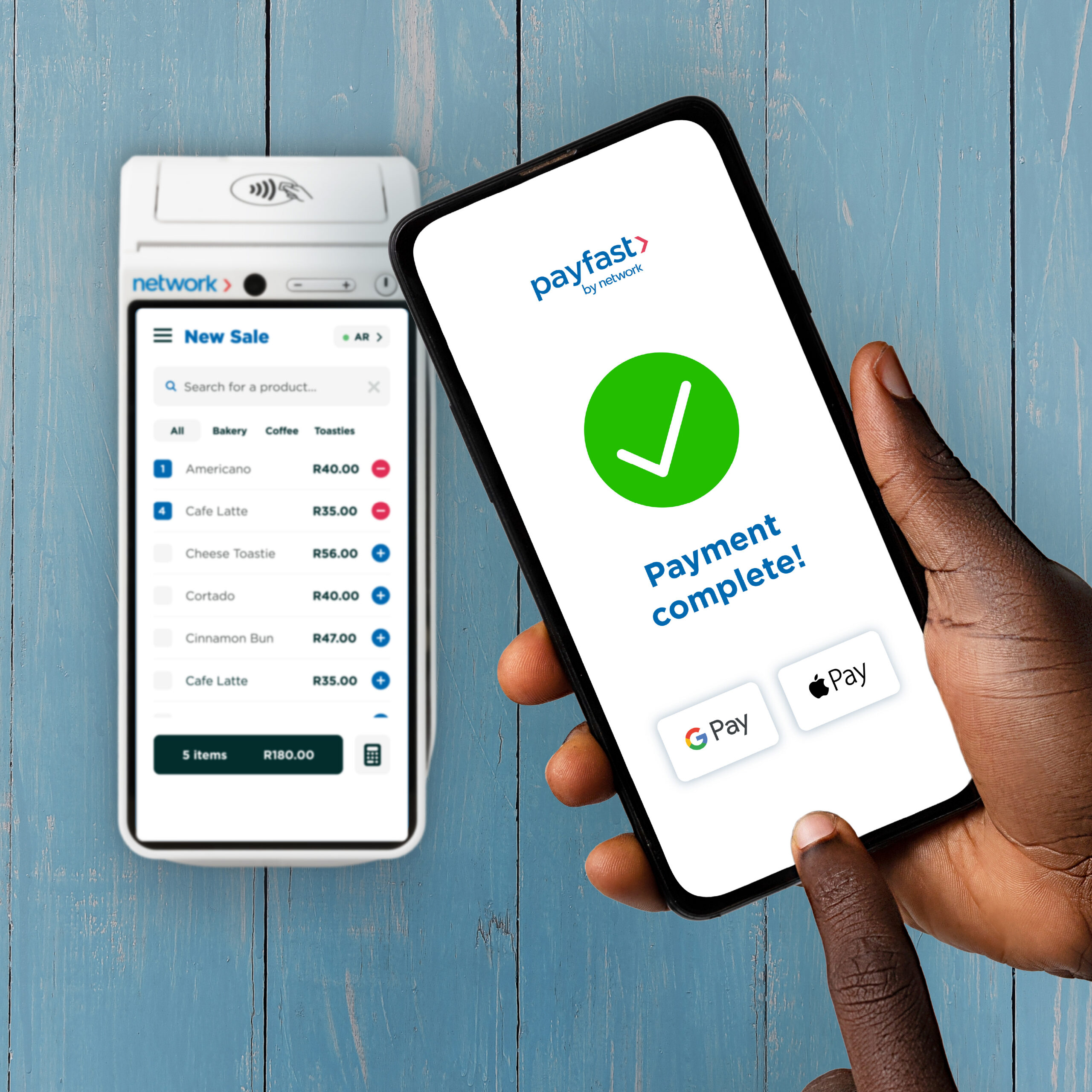
The starting point is your card machine. Most modern NFC-enabled terminals already support tap-to-pay from phones and smartwatches. Check with your provider before assuming you need new hardware. If your terminal is older and does not support NFC, an upgrade is worth considering for checkout speed alone.
If you sell both
Start online. The setup is simpler, the impact on conversion is measurable, and it builds the foundation for in-store pay digital acceptance later.
Online sellers: check your Payfast payment methods settings first, you may already be closer to ready than you think. In-store sellers: check whether your card machine supports NFC before assuming you need new hardware.
How to get set up
The practical steps are simpler than most business owners expect.
- Check your current setup. If you are already using Payfast, log into your dashboard and navigate to settings, then payment methods. Confirm which digital wallet options are currently active on your account.
- Enable Google Pay first. Given Android’s 82% share of the SA smartphone market, this reaches the widest portion of your customer base immediately.
- Add Apple Pay. For most Payfast accounts this is a straightforward activation within the same payment methods settings.
- Test it yourself. Complete a test transaction through your own checkout on a mobile device using a wallet. If it feels clunky or the wallet option is hard to find, your customers are experiencing that too.
If you are not yet set up with a payment gateway that supports mobile wallet payments, signing up with Payfast is the most direct route to accepting multiple pay digital options without managing separate setups for each one.
Getting set up takes four steps. The most useful one is the last: test your own checkout on a phone using a wallet. If you would not complete that purchase, neither will your customers.